Pattern Tool for YouTube Design
Discipline: DESIGN, DEVELOPMENT
Tools: D3.js, SVG HTML, CSS
The YouTube Art Department is a branding and identity team that created Standards, a centralized resource for brand and UX guidelines used across YouTube's products, marketing, and external agencies.
During my time on the Art Department, I developed a custom pattern tool for Standards, enabling users to create scalable, customizable designs aligned with YouTube's brand grid. Built with D3.js, it streamlines pattern creation with features like shape customization, pattern distribution, and vectorized exports.
The Vision
At the heart of YouTube's branding is the philosophy that patterns symbolize community. A single shape represents an individual, while combinations of shapes reflect the collaboration and diversity of YouTube's global user base.
Previously, Standards provided pre-designed patterns as part of its branding assets, but these finite options limited scalability. Designers often needed unique patterns tailored to their specific projects, leading to time-consuming consultations with the patterns working group. This challenge highlighted the need for a customizable tool that allowed users to create distinct patterns without compromising YouTube's branding principles.
Requirements
The tool was designed to meet the following criteria:
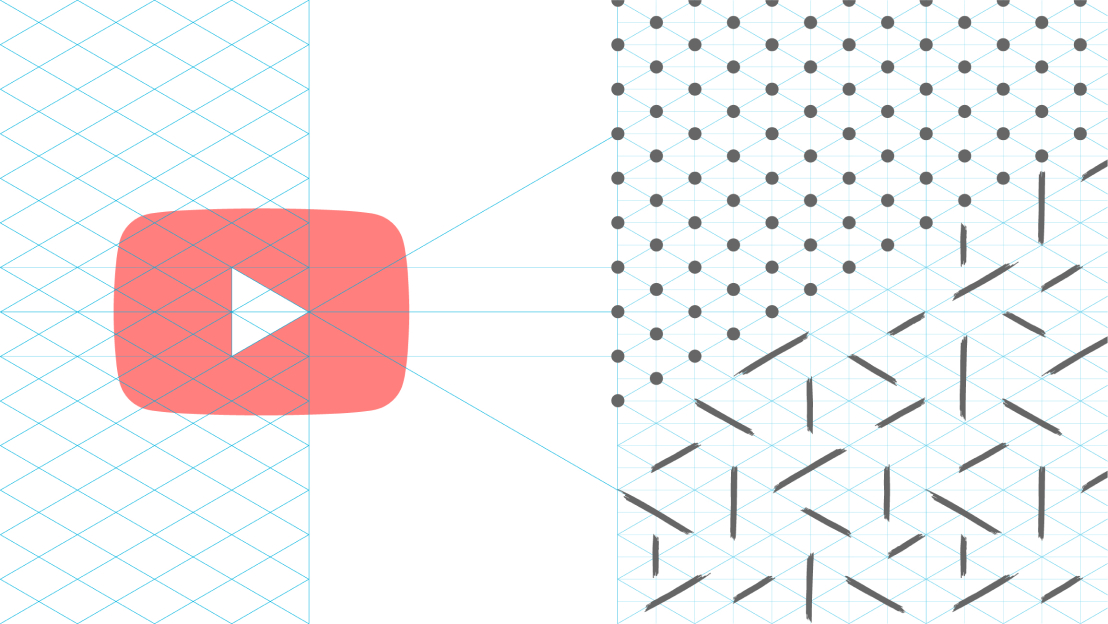
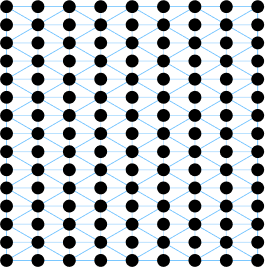
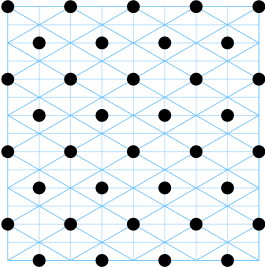
Patterns must be built on YouTube's brand grid, derived from the play button's 30-degree isometric angle. The library should include a variety of shapes, from geometric to organic. Outputs must be vectorized for scalability across platforms like Figma and Illustrator.
Pattern variables
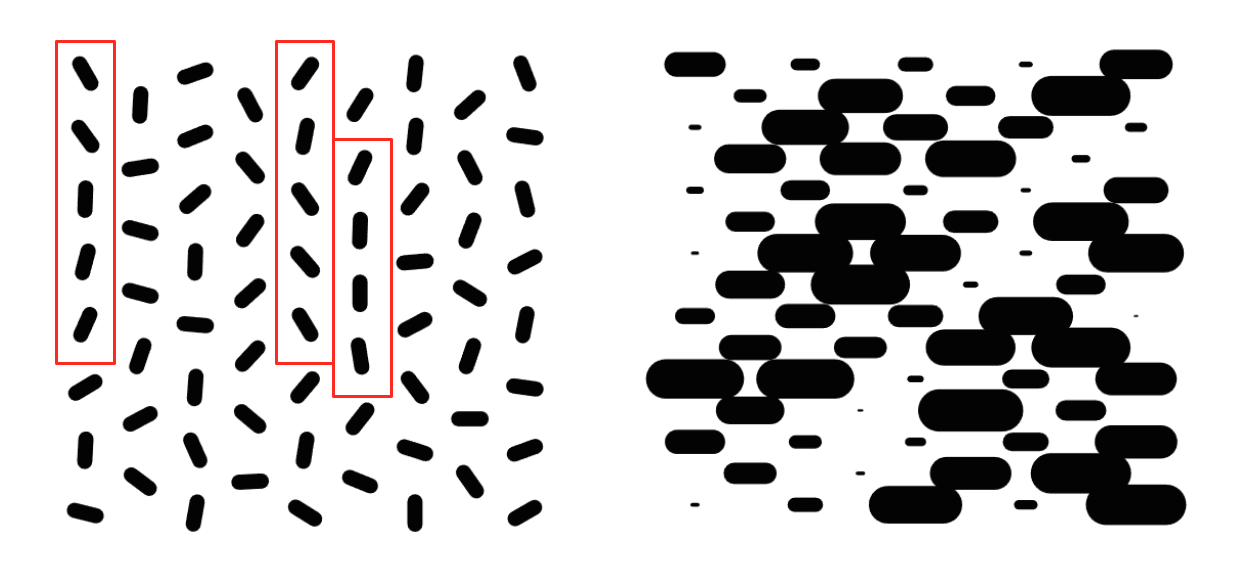
During the design phase, the team focused on defining key variables for both shapes and grid configurations. Shape customization included variables such as size and rotation, which allowed users to adjust the visual impact of their patterns. Smaller shapes created a more subtle and minimal aesthetic, while larger shapes produced bold and striking visuals. Similarly, rotation could be used to direct the viewer's eye or alter the composition entirely.
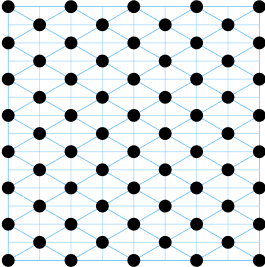
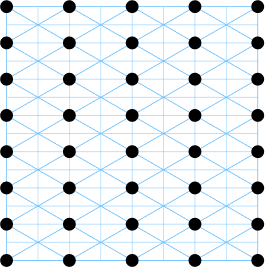
The grid itself added another layer of variability, with options for primary vertices, alternating layouts, and full grid coverage. These configurations determined the density and rhythm of the pattern, enabling users to experiment with different compositions. To streamline this process, the team developed an intuitive UI where users could browse a categorized library of shapes, adjust variables like size and rotation, toggle grid visibility, and export finalized designs as vectorized SVGs.
Dynamic grid rendering
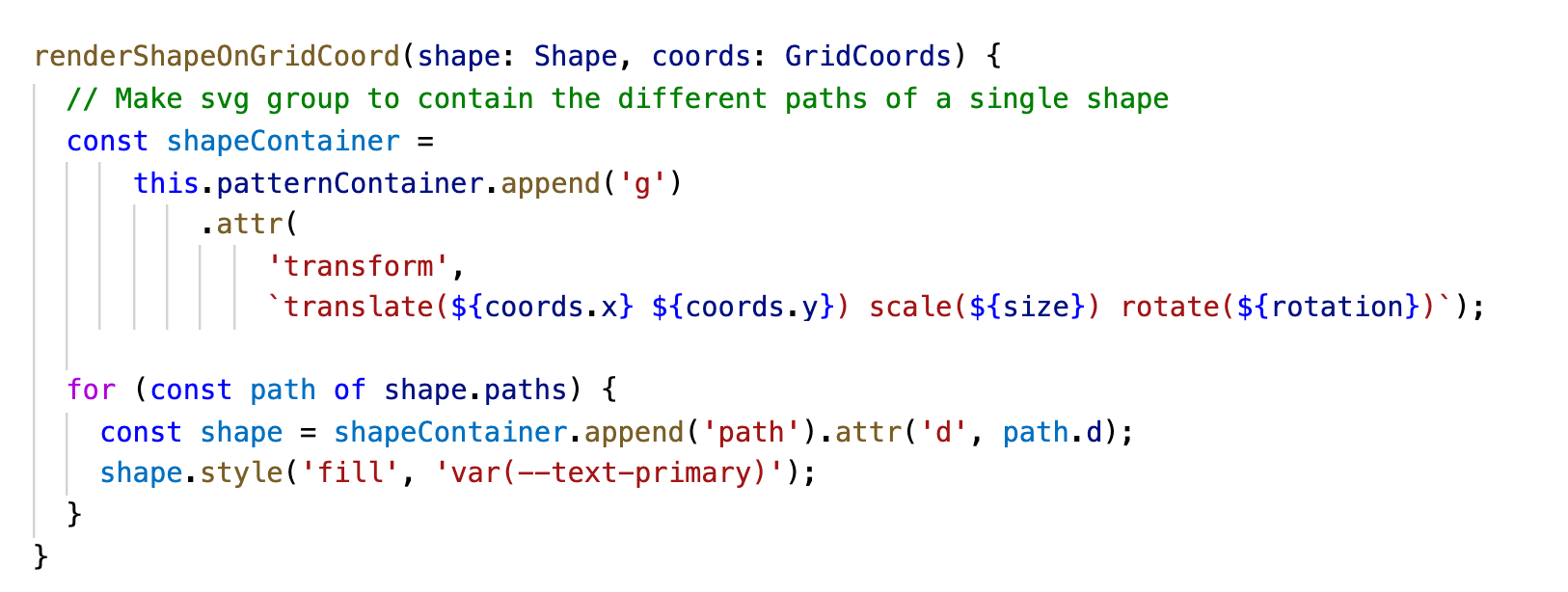
Using D3.js, I created a dynamic brand grid by leveraging (x,y) coordinates to define placement. Shapes were optimized as SVGs and parsed into custom objects, making it easy to apply transformations like scaling and rotation. The rendering logic ensured that patterns updated instantly as users made adjustments, creating a seamless design experience.
Not-so-random randomization
As the tool evolved, I began exploring controlled randomness to add variability without sacrificing design balance. Randomness can introduce visual interest, but purely computer-generated randomness often results in unbalanced or unusable patterns, such as overlapping shapes or repetitive rotations.
To address this, I developed a set of rules to guide randomization:
Neighboring shapes must differ by at least N units in size or rotation No more than three identical shapes in a row or 2x2 clusters Randomization required at least three unique shapes for even distribution Enforce a roughly equal distribution of shapes (e.g. at least ~20 triangles, ~20 squares, ~20 circles, etc.)
These rules mimicked the decision-making process of a designer, creating randomness that felt intentional and harmonious.
Reflections
Teaching a computer how to create beautiful patterns forced me to break down and abstract what makes a design work, translating human discernment into functional systems. That process of reconstruction feels poetic—combining artistic and technical skills to empower others through design. I view parametric design as a way to free people from rigid requirements, enabling them to explore creative outputs more intuitively. This project reinforced my belief that tool building is an act of empowerment, giving users the freedom to experiment and explore creative outputs without the burden of worry about specific design requirements. It was a reminder that, as creative coders, our work is about capturing human intuition in a way that inspires innovation.